Explainer
Switching Card Machine Providers in South Africa (2026)
Two of the three big providers will beat a rate you bring them, and one will not. What switching costs, what to get in writing, and the mistake that costs most.

Some links here are referral links, and where a provider gives our readers a better price than its own site, that is the price you get by using one. It costs you nothing extra, and every option here is judged on the same test either way.
If you suspect you are overpaying on card fees, what stops you switching is rarely the money. It is the picture of a fortnight of admin, a machine that stops working mid-week, and a phone call with somebody trying to talk you out of it.
None of that is how it actually goes with the South African fintechs. There is no contract to break, no notice period, and no account to close. You buy the new machine, you start using it, and the old one goes in a drawer.
Slow down for the twenty minutes before you order, because that is where the money is.
The rate match almost nobody uses
Two of the three providers most people switch between will negotiate, and they say so on their own pricing pages.
iKhokha puts it plainly: *"We'll match or beat your rate to bring you to the #iKTribe."* WAPPoint makes the same offer, at the bottom of its pricing page, for anyone switching across. Yoco publishes no equivalent. Its switch page sells lower rates and up to 40% off point-of-sale bundles, and the rate on the page is the rate.
That is not a criticism of Yoco. It starts at 2.30% Excluding VATThe rate before 15% VAT is added, which is how almost every South African provider quotes. A rate of 2.30% excl. VAT actually bills you 2.645%, so two quotes are only comparable once you know which basis each is on.What you are really comparing2.30% bills 2.645% and 2.75% bills 3.1625%. Both providers quote the same way, so the comparison holds; it only breaks when you put a bank quote next to them.Every card machine rate in South Africa is quoted excluding VAT, which is exactly why a switch comparison is easier than it looks: the fintechs are directly comparable to each other with no conversion. It stops being safe the moment a bank is in the comparison, because some banks quote including VAT and the same rate then looks cheaper on one page than the other. When you work your real rate off a statement, you are working it off VAT-inclusive money, so convert before you hand the number to anybody.See every term in the glossary where the other two start at 2.75%, so it is negotiating from a lower number by simply not negotiating.
So bring the statement, not the quote.
The number that matters is your Merchant discount rateThe single percentage your provider quotes you. It contains interchange, the scheme fee and the provider's own margin.The number to bringOn a R500 sale at 2.75% the provider keeps R13.75, and only a small part of that is theirs to give away. The rest is interchange and the card scheme, fixed before anyone starts negotiating.This is the full percentage your provider keeps from each card sale, interchange and scheme fees included, and it is the number on your statement rather than the one you were quoted at signup. It matters when you switch because it is the only figure a competitor can be asked to beat. It also explains why a match-or-beat is a real offer and a small one: a provider can only discount its own margin, so the floor is interchange plus the scheme fee and nobody goes under it.See every term in the glossary, which is what actually left your account, not the headline you were sold at signup. Take three months of statements and work out what you really paid as a percentage of what you took.
A salesperson can argue with a rival's advert. Nobody argues with your own bank statement, and our fees guide shows how to work that percentage out.
And get the matched rate in writing before you move, because a rate agreed on a phone call is not a rate.
Settle these four before you order anything
Twenty minutes, and it is the difference between a switch that saves money and one that just moves the problem.
What are you actually paying now?
Three months of statements. Total fees divided by total card turnover, as a percentage, including the monthly bits.
Nearly everyone guesses this wrong and guesses low. It is also the only number a rate match can be run against, so without it you have nothing to negotiate with.Are you renting, and what does that end?
If you rent, ask for the notice period and whether the card machine has to go back. If you bought it, there is nothing to end.
The fintechs sell you the machine and nothing is owed. A rental is the one route where leaving has a cost, and it is the one thing to establish in writing.What is plugged into the old provider?
Recurring invoices, payment links you have sent out, an online store plugin, a booking system, a QR code on your counter.
The card machine is the easy part. A payment link you sent a customer last week still points at the old account, and that is where a switch actually goes wrong.What settlement do you get, on your bank?
Ask for it by name: how many business days, into which bank, and what each payout costs. iKhokha commits to next business day on FNB and Absa, same day on Nedbank, and publishes nothing for other banks.
Switching is the one moment you have leverage on this, and most people spend it all on the rate and forget to ask.The third one is the only one that has ever caused a real mess, and it is worth being concrete about.
If you invoice, the links in those invoices belong to your old provider. Money paid against them lands in the old account, which is fine as long as that account still exists and you are still watching it. Do not close anything for a month. Run the new machine, let the old links drain, and shut the old account when nothing has arrived in it for a few weeks.
What switching actually costs
What it costs in rands and in hours, because "free to switch" is true about the paperwork and not about the day.
Moving to each of the three, assuming you already own your current machine and are not in a rental.
What it costs to move
| Yoco | iKhokha | WAPPoint | |
|---|---|---|---|
| To get started | R699 for the machine | R699 for the machine | R200 setup, then rental |
| Will they beat your current rate? | No published offer | Match or beat, published | Match or beat, published |
| Published starting rate | 2.30% excl VAT | 2.75% excl VAT | 2.75% excl VAT |
| Charged to pay you | Nothing | R2.50 a payout | Nothing |
| Monthly, once running | R0 on Core | R0, or R75 for the SIMs | R189 rental, waived above R15 000, plus R50 insurance |
| If it does not suit you | 30-day money back | 30-day money back | 30-day money back |
From each provider's own pricing and switch pages.← scroll sideways on a narrow screen →
The real cost of switching is the price of one machine and an afternoon. What varies is what happens afterwards: Yoco is cheapest to run and will not negotiate, the other two will negotiate from a higher published start.
Which makes the decision turn on whether you have enough volume for a negotiation to beat 2.30% in the first place.
Below roughly R40 000 a month there is nothing to negotiate with, so the comparison is just the fees on each price list, and Yoco wins it.
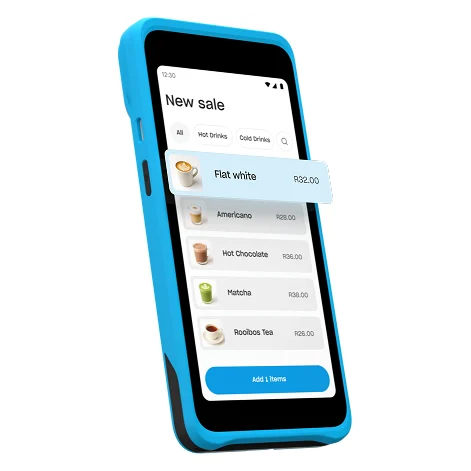
Yoco Khumo 2
2.30% excl. VAT on the free Core plan, nothing monthly. R699, or R599 through our link.
Above that, a match-or-beat becomes worth an email. Both iKhokha and WAPPoint step their rates down on turnover anyway, so you are asking them to start the step-down early rather than asking for something they never do. That is a much easier conversation than it sounds, and the worst outcome is that they say no.
Do not forget the machine you already own, either. Nothing stops you keeping it. Plenty of counters run two providers on purpose, and if you are switching for one specific reason, keeping the old one until you are certain costs you nothing at all. Our head-to-head covers the pair most people move between.
One thing to check on iKhokha's own page
If you are switching to iKhokha for the same-day payouts, there is a detail worth getting right, because iKhokha's own pages disagree with each other about it.
Its switch page says same-day payouts come when you bank with TymeBank. Its iK Debit Card product page says GoTyme Bank, four separate times, walks you through downloading the GoTyme app to open an EveryDay account, and links GoTyme's terms and conditions.
They are two different banks, and the product page is the one to follow. Open a GoTyme Bank EveryDay accountA free personal transaction account from GoTyme Bank, a South African digital bank. It is not an iKhokha product: you open it yourself in the GoTyme app, then list it on your iKhokha profile as your payout account. It is the only account iKhokha's same-day iK Debit Card pays into. iKhokha also pays Nedbank customers twice a day, the same day, with no GoTyme account involved.Why a switcher has to get this rightIt is free to open and takes about five minutes in the GoTyme app. Open the wrong bank and the iK Debit Card's same-day payout simply does not happen, and nothing tells you why.A free personal transaction account from GoTyme Bank, a South African digital bank. It is not an iKhokha product: you open it yourself in the GoTyme app and list it on your iKhokha profile as the account the iK Debit Card pays into. Because it is a personal account, the card route is open to sole proprietors and closed to registered companies, who can get same day only by banking with Nedbank. iKhokha's own iK Debit Card page names GoTyme four times and links GoTyme's terms; its switch page says TymeBank, which is a different bank.See every term in the glossary, then list it on your iKhokha profile as the account the card pays into.
While you are there, one more from the same page that catches switchers: the iK Debit Card is free with every machine, but only when you buy the machine online. Buy it in a retail store and the thing you switched for is not in the box.
None of that makes the offer worse than it is. It makes it a route with three conditions on it: the right bank account, an online purchase, and sole-proprietor status. Every one of them is easier to satisfy before you order than after. Our payout guide sets the whole route out.
So should you switch
Work out your real fee from three months of statements first. Everything else follows from that number, and most people find it is higher than the one they think they are on.
If you are taking more than about R40 000 a month on card, send it to iKhokha and to WAPPoint and ask them to beat it. Both publish that they will, it costs you an email, and the worst case is that they decline.
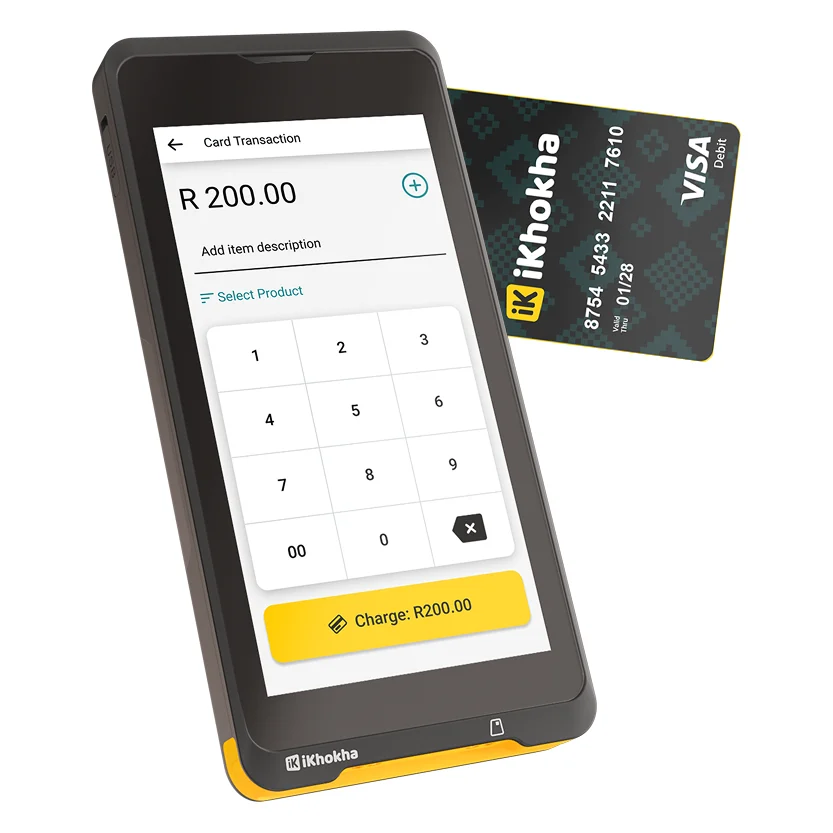
iKhokha iK Flyer Lite
Rates from 2.75% down to 2.50% with turnover, and it will look at the rate you bring. R699, about R629 through our link.

WAPPoint SquarePOS RX
Send it your statement. Rented from R189 a month plus R50 insurance, with the rental waived above R15 000.
If you are under that, do not bother negotiating and just compare the fees on their websites. Yoco starts at 2.30% excluding VAT with nothing monthly and nothing charged to pay you, which is below where the other two begin, and at your volume that gap is the whole decision.
And if you are switching for a reason that is not the fee, name the reason before you order. Same-day money, a phone number to call, a counter that earns on airtime, a printed slip: each one points at a different machine, and none of them is settled by a rate card. The small-business guide works that through by type of business.
If you are not sure which of those you are, do not order anything yet. Answer the three below against your own statements: what you take in a month, what is actually making you look, and whether the machine you have is rented or bought.
They give you the answer this guide points at, and one of the possible answers is that you should stay where you are.
Interactive · 30 seconds
Is it worth switching?
Answer against your own statements, and the recommendation updates as you go.
1What do you take on card in a month?
2What is actually making you look?
3Do you rent your current machine?
Before you answer


Get your real rate off three months of statements
It is the only number a competitor can be asked to beat, and it is almost always higher than the one you were quoted at signup.
The trade-off: if it turns out you are on a good rate already, the right answer is to stay where you are.
Rates and switch terms come from each company's own website, checked 2 September 2026. Two of the three publish a rate match and our lead partner is not one of them, which is why this article tells a high-volume reader to go and negotiate with the other two.
Questions people actually ask
Switching
Is it hard to switch card machine providers in South Africa?
No, if you are with one of the fintechs.Yoco, iKhokha and WAPPoint have no contract to break and no notice period, and a machine you bought is yours to keep. You buy the new card machine, start using it, and keep the old account open for a month so that payment links and invoices you already sent still clear. The work is in comparing correctly, not in the paperwork.
Will a card machine company beat my current rate?
iKhokha and WAPPoint both publish that they will match or beat a rate you are switching from.Yoco publishes no equivalent offer, though it starts lower at 2.30% excluding VAT against their 2.75%. Bring three months of statements rather than a competitor's quote: the number that matters is what actually left your account, and it is the only figure a rival can be asked to beat. Checked 2 September 2026.
What do I need to check before switching card machine provider?
Four things. Your real rate from three months of statements, not the one you were quoted.Whether you rent your current machine and what ending that requires. What is plugged into the old provider, meaning recurring invoices, payment links, online store plugins and QR codes. And the settlement terms you will get on your own bank, in business days, with the cost per payout.
Costs
What does it cost to switch card machine providers?
The price of the new machine and an afternoon.Yoco and iKhokha are R699 once-off, and WAPPoint is R200 to set up plus a monthly rental that is waived above its turnover threshold. All three offer a 30-day money-back guarantee. If you already own your current machine there is nothing to pay to leave, and nothing stops you keeping it as a backup.