Explainer
Which Card Machines Keep Trading Through Load Shedding (2026)
Load shedding does not stop a card machine, it stops your router. Which machines keep trading, what each one costs, and who pays for the mobile data.

Some links here are referral links, and where a provider gives our readers a better price than its own site, that is the price you get by using one. It costs you nothing extra, and every option here is judged on the same test either way.
Whether you can take a payment at 6pm on stage 4 has almost nothing to do with the card machine's battery. Every machine has one, which is why the guides that ask about it are asking the wrong question.
What fails is your router. It is mains-powered, it has no battery, and it goes down in the same second the lights do. A card machine running on shop Wi-Fi goes with it. A reader that pairs to your phone is only as good as your phone, which during an outage is also your torch and your only line to a supplier.
So the question worth asking is simply: does this machine reach the internet on its own?
So which card machine actually survives it?
First, get battery out of your head. Yoco publishes up to 18 hours on the Khumo 2, and iKhokha publishes up to 200 transactions on a single charge for the iK Flyer. Both of those outlast a four-hour block several times over, so no machine on this page is going to run flat on you mid-queue.
What actually separates them is the mobile data, and specifically who pays for it.
Each vendor's own published wording on connectivity and battery. Prices and rates are in the next section.
What each machine needs to take a payment
| Yoco Khumo 2 | iKhokha iK Flyer Lite | WAPPoint | Tap to Pay on phone | |
|---|---|---|---|---|
| Own mobile data | Yes, included | Yes, R75p/m | Yes, in the rental | No, uses your phone |
| Cost of the data | R0 for life | R75 a month | In the rental | Your phone's |
| Battery, published | Up to 18 hours | Up to 200 sales | Not published | Not published |
| Works if the router dies | Yes | Yes, with the SIMs | Yes | If the phone has data |
From yoco.com/za/card-machines, ikhokha.com/shop/card-machines and wappoint.co.za/pricing.← scroll sideways on a narrow screen →
Three of the four are standalone card machines that reach the network on their own. It is not a capability gap between Yoco and iKhokha, it is an invoice.
Yoco is the only one where staying online during an outage costs you nothing. The Khumo 2 has built-in 4G with unlimited data included for free, and iKhokha's two built-in 4G SIM cards cost R75 a month. Over a year that is R900 for the same capability.
That said, iKhokha's machines are exactly as standalone as Yoco's, and anyone telling you otherwise is selling something.
If you already run an inverter, put the router on it and run the iKhokha on shop Wi-Fi for free. A router and a fibre box draw a few watts and will sit on a small inverter for hours. Most people wire the lights and the fridge, and leave the one box the payment actually needs on the wall socket.
What each one costs you
If you are ready to buy, here is the quick version.
Yoco Khumo 2, R699. 2.30% Excluding VATThe rate before 15% VAT is added, which is how almost every South African provider quotes. A rate of 2.30% excl. VAT actually bills you 2.645%, so two quotes are only comparable once you know which basis each is on.What 2.30% actually bills2.645% with VAT on it. Remember that before you weigh a transaction fee against the R1 200 you might spend on a power bank.Every card machine rate in South Africa is quoted excluding VAT, which makes the providers directly comparable to each other and not comparable to anything else you are pricing. If you are working out whether to spend on backup power instead, compare the VAT-inclusive number, because that is what actually leaves your account. If your business is VAT-registered you claim it back and the excluding number is the real one.See every term in the glossary per sale, nothing monthly on Core (Yoco's plan)Yoco's standard plan, and the one almost every small business is on. It costs R0 a month, charges 2.30% excluding VAT per local card sale, and includes the dual-SIM mobile data free for life. Instant Payout costs R17.25 for a payout of up to R1 000 and 1% above that, up to R10 000 a day.Why it matters when the power goesR0 a month, and the dual-SIM data is included for life. A machine that costs nothing monthly is a machine you can leave charged in a drawer for the days you need it.Core is Yoco's standard plan and the one almost every small business is on. Nothing on it is billed monthly and the mobile data is included for life, which is the part that matters during load shedding: when the fibre goes down with the power, the card machine is already on its own connection and you are not paying extra for that to be true.See every term in the glossary, and the data is included for life. This is the one to buy if load shedding is what is driving the decision. The Khumo Print 2 is the same machine with a thermal printer at R1 499.
iKhokha iK Flyer Lite, R699 (down from R999, and about R629 through our link). 2.75% excluding VAT, R75 a month if you want the two SIMs, or R0 on Wi-Fi. Buy this one if your counter should also be selling airtime, electricity and vouchers, because Yoco cannot do that at all. The iK Flyer at R1 499 is simply the printing version of the same machine.
WAPPoint, if you would rather rent than buy. R200 to set up instead of R699, the machine comes with its own Vodacom or MTN SIM, and the R189 rental falls away above R15 000 a month, though the R50 insurance does not. It costs more over a year, which we worked out in the WAPPoint review.
Here are the best card machines you can get for less than R700 that keep trading through load shedding, because each one carries its own SIM and battery. I have also included the discounts and incentives for buying them today.
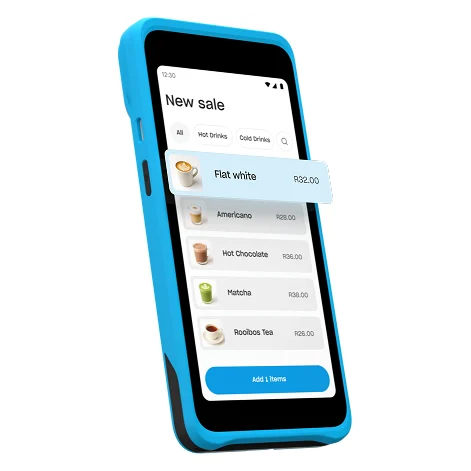
Yoco Khumo 2
R699, or R599 through our link. Its SIM and data are included for life, so an outage costs you nothing extra.
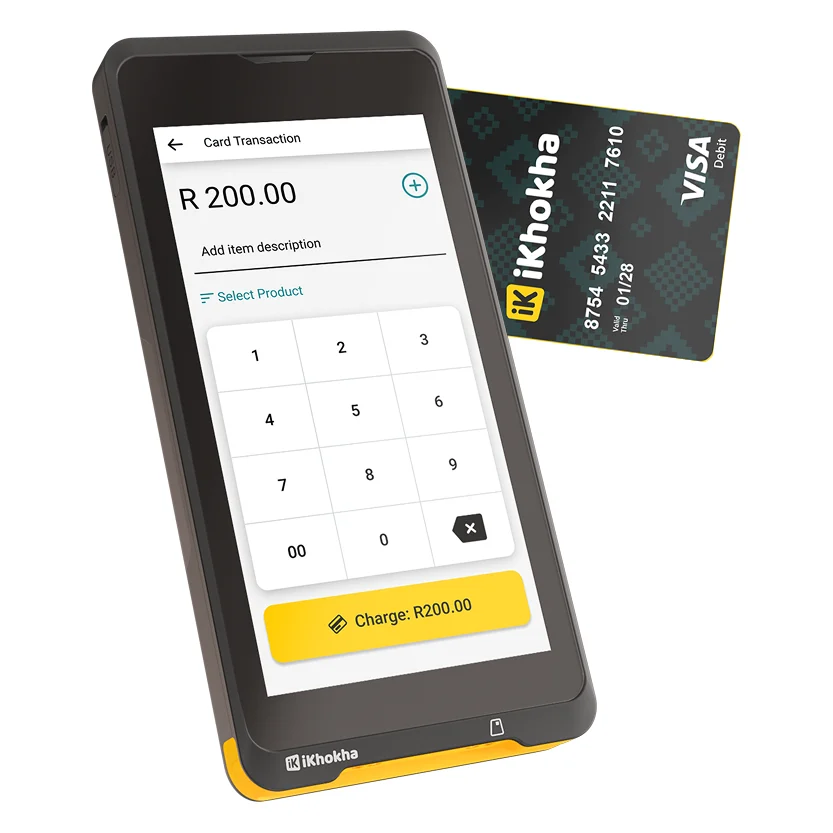
iKhokha iK Flyer Lite
R699, about R629 through our link. Two SIMs at R75 a month, and it sells airtime and electricity when the lights are out.

WAPPoint SquarePOS RX
A rental: R200 to set up, R189 a month plus R50 insurance, and the rental falls away above R15 000.
If you need the versions of these card machines with a built-in printer, here they are, also with their discounts through us.
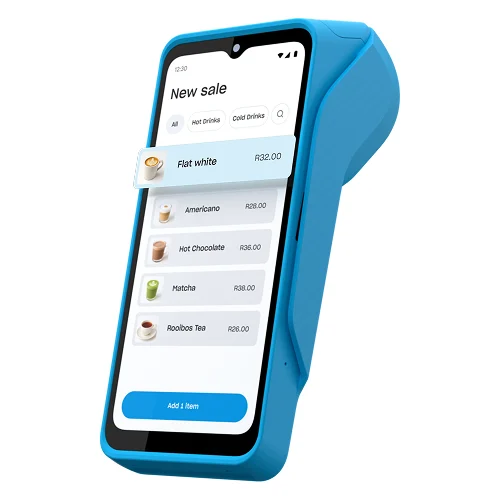
Yoco Khumo Print 2
R1 499, or R1 399 through our link. The Khumo 2 with a printer, and still nothing to pay each month on Core.
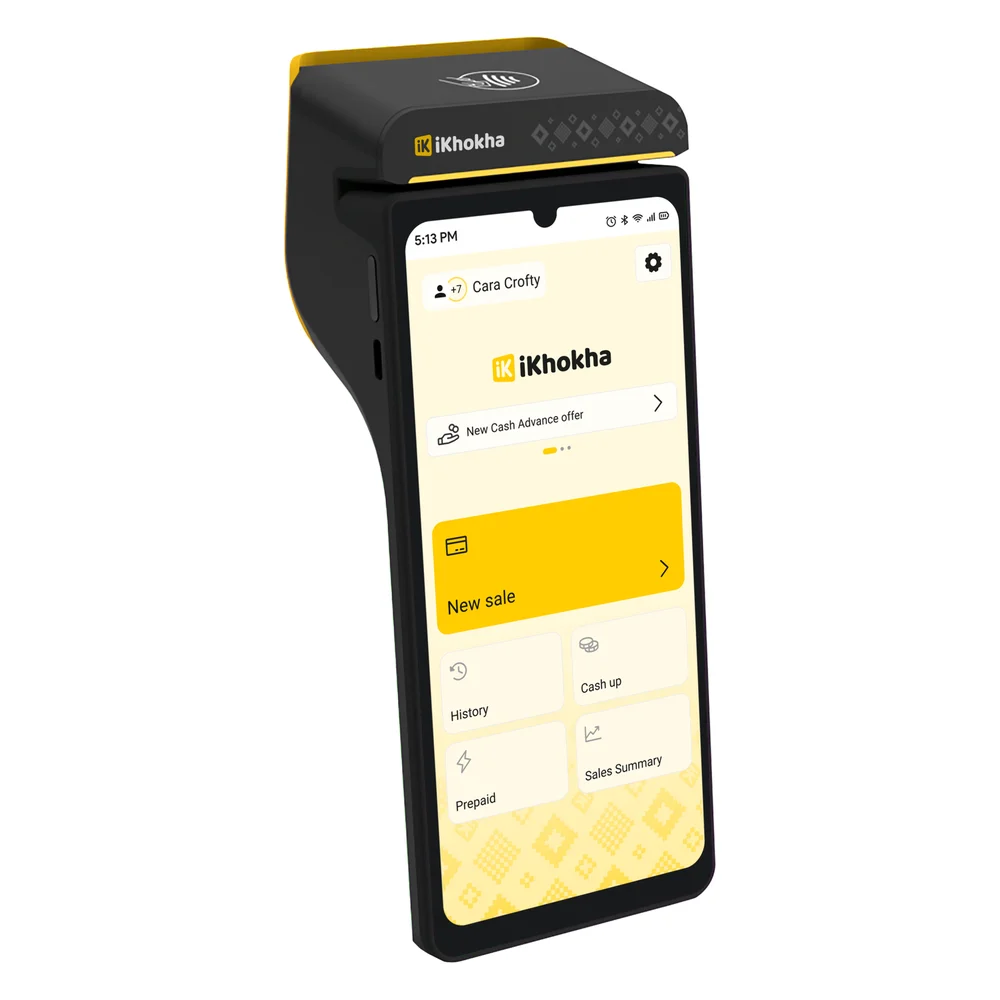
iKhokha iK Flyer
R1 499, about R1 349 through our link. It prints the slip and the prepaid voucher.
WAPPoint PrintPOS
R299 a month plus R50 insurance, waived above R45 000, with an optional R50 app to sell airtime and electricity.
The part of this we cannot measureHonest caveat
A standalone card machine is only as good as the tower it reaches, and we cannot tell you how long your tower stays up. Operators run battery and generator backup at their sites, that backup is finite, and how long it lasts depends on the site and on how many hours the area has already been dark. Every number we could find for it was either a national average or a vendor's marketing, so we are not publishing one. What we can tell you is the order things fail in: your router first, your phone second, the card machine's battery a distant third, and the tower last.
The verdict
If your shop has no backup power and the lights go often, buy the Yoco Khumo 2. It is the only machine here that keeps you online during an outage at no monthly cost, there is nothing to switch on and nothing extra to pay, and at R699 it is the same price as everything else at this end of the market.
If your router is already on an inverter, stop weighing this. Both machines will keep taking payments straight through a block, and you should be choosing on the fee, or on whether you want to sell prepaid on the side, instead. Our head-to-head covers both of those properly.
One last thing worth doing either way, and it takes five minutes: set up a payment link in your provider's app. Yoco and iKhokha both include them free. The customer pays on their own phone and their own data, so it works even when your card machine is flat and your router is dark.
Questions people ask us
Day to day
Do card machines work during load shedding?
Yes, if the machine has its own mobile data.Every current card machine runs on a battery, so the machine itself keeps working; what stops is usually the Wi-Fi router, which has no battery. A standalone card machine with a built-in SIM reaches the network the same way a phone does and keeps taking cards. A reader that pairs to your phone depends on that phone instead.
Does a card machine need Wi-Fi?
No. The Yoco Khumo 2 has built-in 4G with unlimited data included, iKhokha's iK Flyer and iK Flyer Lite take two built-in 4G SIM cards at R75p/m or run on shop Wi-Fi for free, and WAPPoint's card machines include connectivity in the rental.Only phone-tethered options like tap-to-pay on a handset depend on another device. Checked 28 August 2026.
How long does a card machine battery last?
Yoco publishes up to 18 hours for the Khumo 2, and iKhokha publishes up to 200 transactions on a single charge for the iK Flyer.Both outlast a four-hour block several times over, which is why the battery is rarely what stops a payment. Yoco does not publish a battery figure for Tap to Pay on iPhone.
Costs & fees
Which card machine is best for load shedding?
The Yoco Khumo 2 at R699, because its mobile data is included free for life, so staying online during an outage costs nothing extra.iKhokha's machines are equally standalone but charge R75 a month for the two SIMs, about R900 a year, unless you run them on shop Wi-Fi with your router on an inverter.